
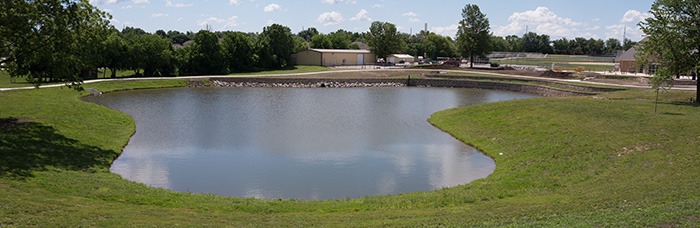
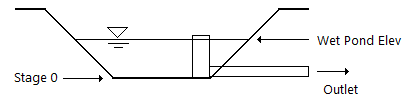
You create a wet ponds the same way you would create any other detention pond. The important thing is that you should begin your Stage-Storage inputs at the the bottom of the pond, Stage 0, not at the water surface (Wet Pond Elev). Hydrology Studio will manage the volumes for you later when you perform the actual routing at the Main Window.
Sizing a Wet Pond
Often times you will have predetermined the volume of water required to be stored in your wet pond. It may be equal to the volume of the inflow hydrograph’s 50-year event, for example. Anything above that volume should exit the pond via an outlet structure set at the elevation of the pond at the target volume.
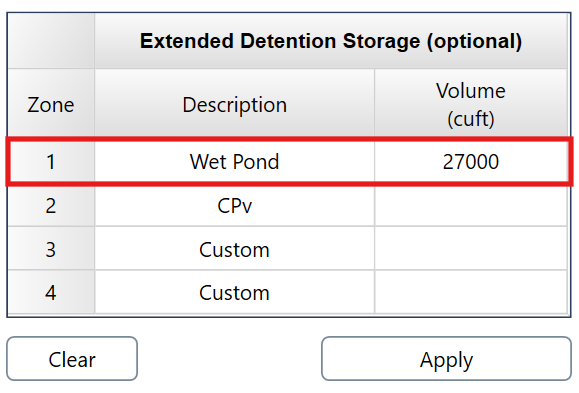
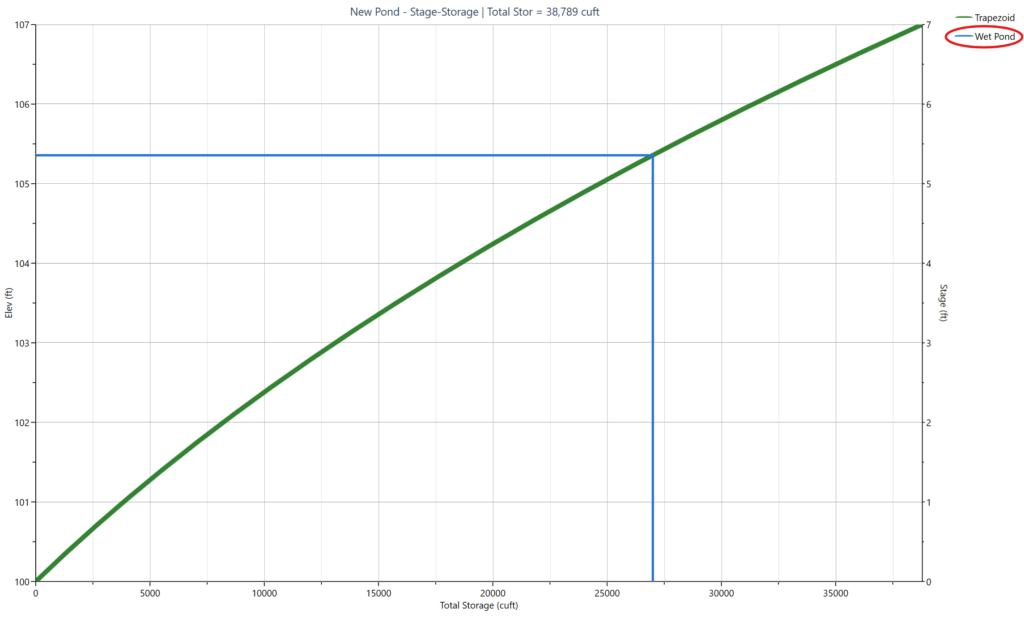
Step 1 – Estimate Storage, on the Pond Designer window contains an input screen located just below the Storage Estimate inputs. Use this feature to assist you in sizing your wet pond to contain a predetermined wet pond volume. For eample, the Wet Pond volume below is 27,000 cuft and was entered in Zone 1.
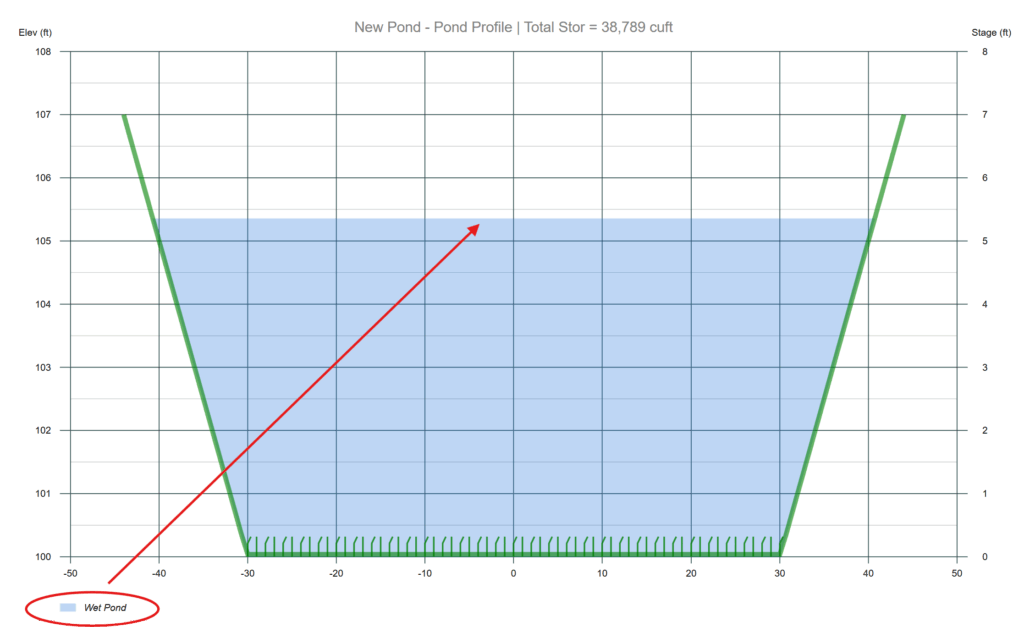
This volume will then be tracked automatically throughout your pond design process as shown in the Pond Profile and Stage-Storage curve below. 27,000 cuft fills the pond up to 105.35 feet. Adjust the size of the pond as desired to meet any freeboard requirements.
Please see, Routing Through Detention Ponds for more information on Wet Pond Routings.